CleverMate and Smart Home Automation That Fits Your Daily Routine
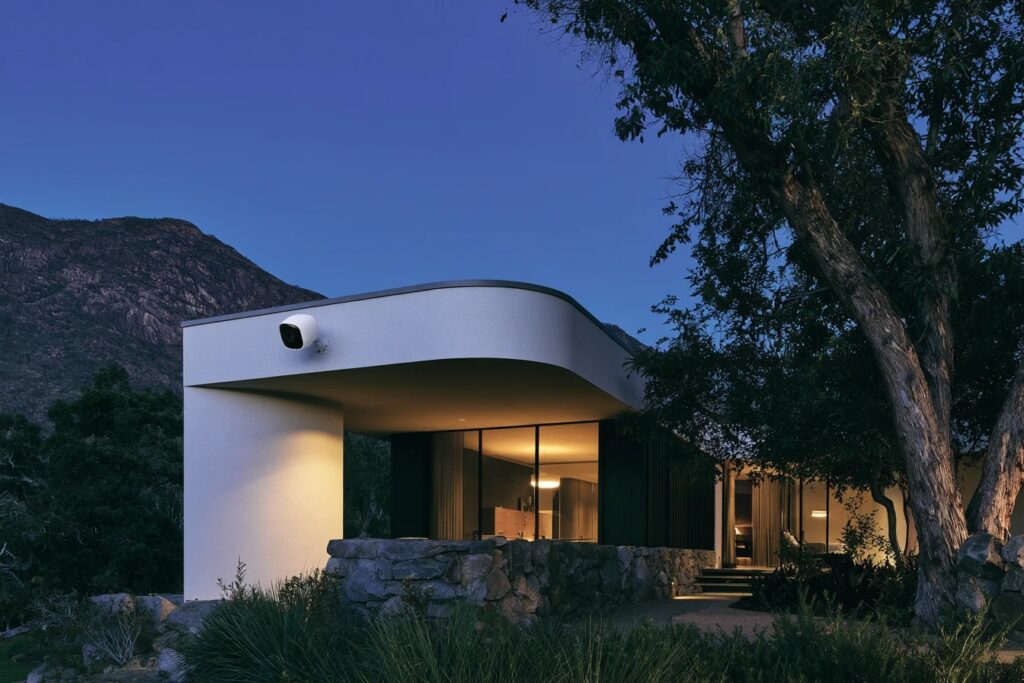
Picture your routine. You switch off the lights in the living room. You check that the front door is locked. You tweak the air conditioning. Pull down the blinds. A smart home can turn all of that into one tap. The best part? You can shape it around how your household runs.
CleverMate is a home company based in Melbourne. They design, install and support systems for homes that already exist, apartments and new builds. Their setup is built on Home Assistant. It links lights, blinds, climate control, security and entertainment devices that work together. So they can all respond to the daily pattern.

What can a CleverMate smart home do?
The simplest way to plan a home is to pick a moment in your day that could go more smoothly. Here is how that might look in life, based on the devices you choose.
Everyday situation What you could automate
Coming home after dark Switch on the porch and hallway lights when you arrive, then dim them in the evening.
Dealing with afternoon sun Lower the west-facing motorised blinds on a schedule before the living room gets hot.
Getting up during the night Use motion sensors to turn hallway lights on at a level. You can see where you are going without waking everyone
Settling in for movie night Close the blinds, dim the lights and switch on entertainment gear with one command.
Letting someone in while you are out Use a smart lock to give a guest temporary access. You choose when that access ends.
Heading away for the weekend Switch off selected lights, adjust the climate settings and check camera alerts from your phone.
CleverMate offers lighting automation, motorised blinds and curtains, climate control, smart access, cameras, -room audio and home energy monitoring. The devices in your setup decide which routines you can build.
Can you add home automation to an existing house?
Yes. CleverMate works with existing homes. You can start with one room or a few simple routines. Say your living room gets hot and bright in the afternoon. Start by looking at the blinds and air conditioning. If you often come home to an entryway, begin with the porch and hallway lighting. Ask the installer to check the model numbers of any devices you want to keep. That way you know what can be integrated before you buy equipment.
If you are building or renovating, raise automation before the electrical plan is locked in. Think about where you want switches. Think about how power will reach blinds. Think about where Wi-Fi coverage matters. Walk through the rooms with your plans in hand. Picture how everyone in the household will use them, including guests who just need to find a switch.

What should you ask before installing a home system?
- Which devices can I keep? Ask the installer to confirm compatibility with your air conditioner, blinds, cameras or speakers. Ask them to explain which features can be integrated.
- Can I still use the wall switches? Decide which controls should stay open to anyone in the house, even if they do not have the app.
- What happens if the internet goes down? Ask which controls and routines work locally and which features need an internet connection.
- Who can change the settings after installation? Find out whether you can adjust routines yourself, such as changing when the blinds close.
- What support is available after handover? Check what is included in the installation and what ongoing support covers. CleverMate offers plans with support and some tiers include on-site visits.
Where should you start with CleverMate?
Write down two or three things you would like your home to handle for you. That could be closing the blinds before the afternoon sun hits. It could be lighting the hallway when the kids get up at night.. Making it easier to let family in. Bring that list. The details of any equipment you already own to a consultation. You will have an idea of what to include in the first installation and what you can add later.
Explore home automation or book a consultation with CleverMate.
About The Author